First Steps
We know it’s tempting to jump straight into the new FC season, but taking a moment to pause can help you avoid rushing through menus and missing key options.
Our Walkthrough Guide will lead you through your first steps in FC 27 Ultimate Team, ideal for new players or those early in their seasonal journey. Spend a few minutes following it to set up your squad and start building your dream team.
Note: If you’re accessing the game via the Web or Companion App, the visuals may differ slightly from what’s shown here.
Before jumping into gameplay, there are a few quick steps to optimise your start:
- Choose your Starter Pack;
- Check Your First Players;
- Unlock and claim your Squad Foundations Player Item.

The Starter Pack
Starter Pack Items are untradeable and cannot be sold on the Transfer Market.
The first step is to select your starter pack, based on a pair of leagues. The combination you choose determines the leagues of most players in your starting squad, including your highest-rated player.
If you already have a squad-building plan, consider it when making your choice. Once selected, an animation will reveal your top-rated player and show your full starting lineup for the first time.
Remember, your initial squad won’t be very strong, but that only means your team has room to grow.
| 1 |  Premier League Premier League |  Women’s Super League Women’s Super League |
| 2 |  LaLiga LaLiga |  Liga F Liga F |
| 3 |  Bundesliga Bundesliga |  Frauen-Bundesliga Frauen-Bundesliga |
| 4 |  Ligue 1 Ligue 1 |  Arkema Ligue Arkema Ligue |

Your First Players
Once you have selected your Starter Pack, your initial squad will be generated. It includes the following items:
- One Manager;
- Four Gold Players;
- Six Silver Players;
- Five Bronze Players.
At this stage, a badge and a kit are automatically assigned to your Club. You can change both items later.
If you are a returning player, you may also earn a Mixed Players Pack and three 78-85 Overall Players, all tradeable.
The Special Item
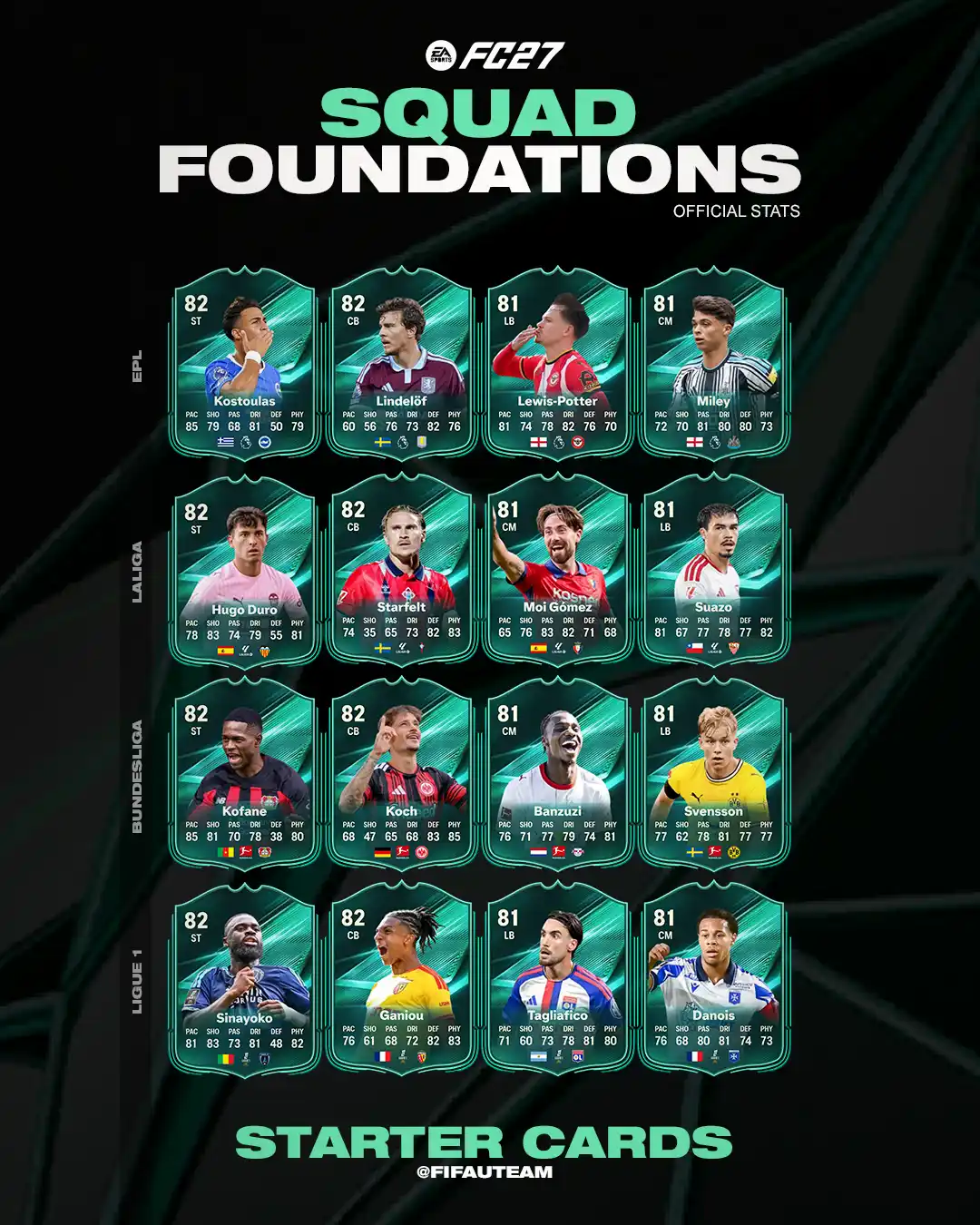
Once your starting squad has been generated, it contains twenty-two players. You can complete the introductory Foundations Objectives to unlock and claim an additional Squad Foundations Player Item.Go to [Objectives] and select [Foundations]. You must complete the following groups in order, as each one only becomes available after the previous group has been completed:
- Venturing Out;
- Driving In;
- Rising Through the Ranks;
- Market Madness;
- Chasing Greatness;
- Total Football.
| Premier League | |
   Charalampos Kostoulas Charalampos Kostoulas | 82 |
   Victor Lindelöf Victor Lindelöf | 82 |
   Keane Lewis-Potter Keane Lewis-Potter | 81 |
  Lewis Miley Lewis Miley | 81 |
| LaLiga | |
   Hugo Duro Hugo Duro | 82 |
  Carl Starfelt Carl Starfelt | 82 |
  Moi Gómez Moi Gómez | 81 |
  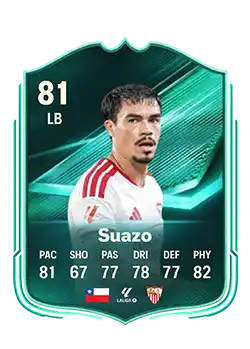 Gabriel Suazo Gabriel Suazo | 81 |
| Bundesliga | |
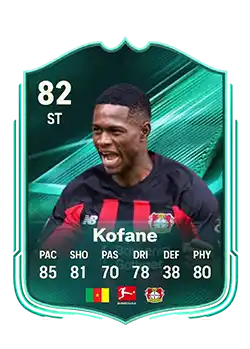
  Christian Kofane Christian Kofane | 82 |
   Robin Koch Robin Koch | 82 |
   Ezechiel Banzuzi Ezechiel Banzuzi | 81 |
  Daniel Svensson Daniel Svensson | 81 |
| Ligue 1 | |
   Lassine Sinayoko Lassine Sinayoko | 82 |
   Kader Ganiou Kader Ganiou | 82 |
   Nicolás Tagliafico Nicolás Tagliafico | 81 |
  Noah Danois Noah Danois | 81 |